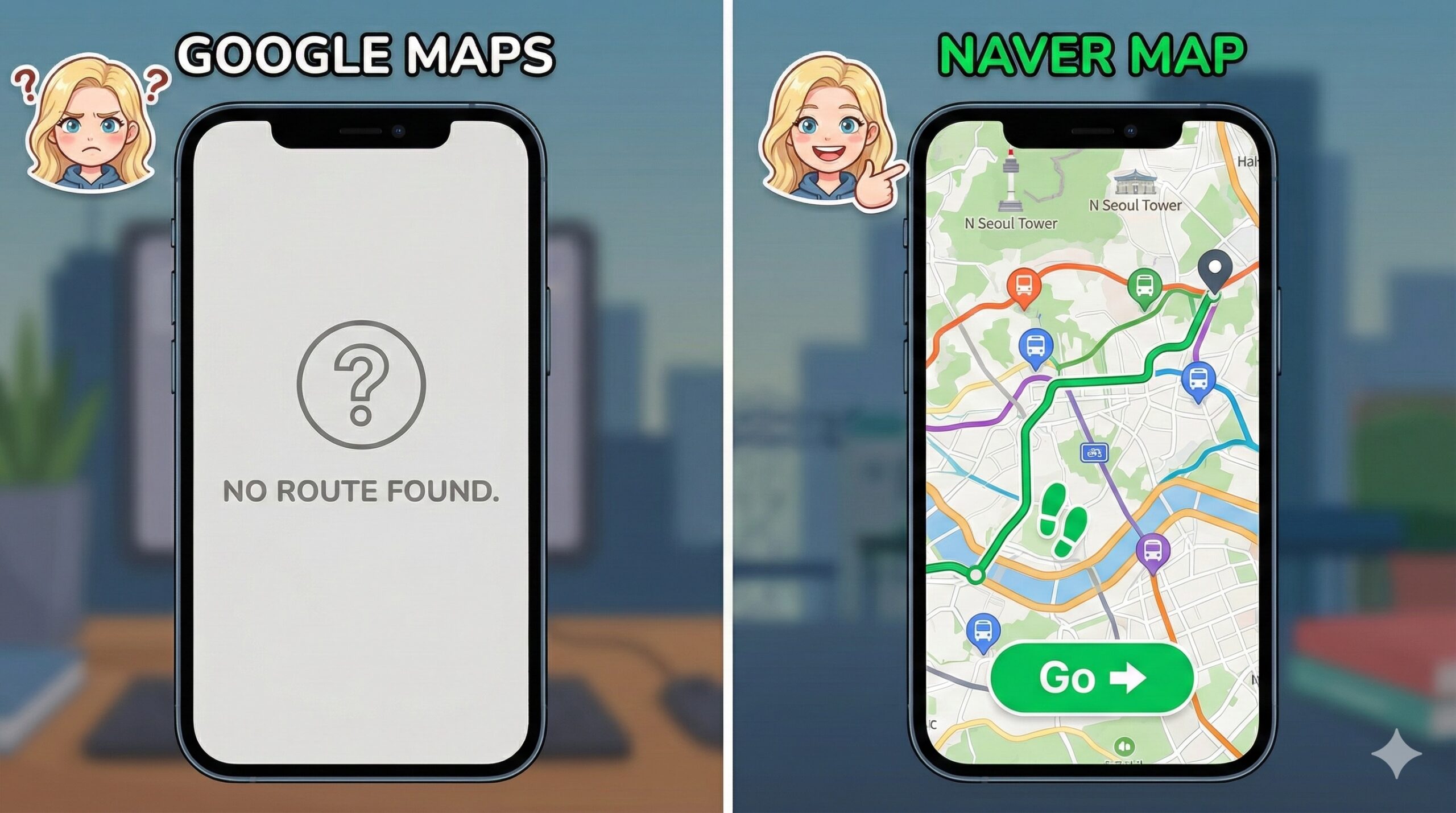
In America, Google Maps is God. It tells you where to go, how to walk there, and even how crowded the bus is. In Korea, Google Maps is a liar.
Because of unique security laws (and local competition), Google Maps in South Korea is severely limited. It won’t give you walking directions. It won’t show you new buildings. It might tell you to walk through a mountain that doesn’t exist.
If you are trying to survive Seoul with Google Maps, you are playing a game of survival with a blindfold on.
Welcome to Level 1. Let me tell you how I walked in circles for 2 hours because I trusted the wrong app.
The Level 1 Logs: The Hongdae Maze
Flashback: 3 years ago. Hongdae.
I was trying to meet my friend at a famous cafe. I opened Google Maps. It showed the cafe as a straight line from the subway station. “Easy,” I thought. I walked. And walked. According to Google, the cafe was right in front of me. In reality? I was standing in front of a wall.
Google didn’t know there was a winding alleyway. It didn’t know the building had been demolished 2 years ago. I was lost in the maze of Hongdae, sweating, while my friend texted me: “Where are you? The ice is melting!”
Enter “Ssam” (The Navigator)
I finally found the cafe (by asking a stranger). Ssam (my mentor) was there, drinking his iced Americano. “Ssam, this city is broken! My map doesn’t work!”
Ssam looked at my phone screen and sighed. “Alice, are you still using Google Maps? That’s cute.”
He tapped his phone and showed me a completely different world. “Korea has its own internet universe. If you want to survive, you need the Local Trinity.”
Level 3 Wisdom: The Holy Trinity of Korean Apps
Delete Google Maps (well, keep it for reviews, but don’t navigate with it). Download these three apps immediately.
1. Naver Map / KakaoMap (The Bible)
- What they are: The Korean versions of Google Maps.
- Why: They give perfect walking directions, real-time bus arrivals, and even tell you which subway car is closest to the exit.
- English Support: Both have English versions now! (Naver is slightly better for English interface).
2. Subway Korea (The Underground Guide)
- What it is: A dedicated subway timetable app.
- Why: Seoul’s subway map looks like a bowl of spaghetti. This app tells you the fastest route and the “Transfer” points.
- Pro Tip: Look for the “Fast Transfer” info (e.g., Car 5-2). Stand there, and you will shave 5 minutes off your commute.
3. The Bus Color Code
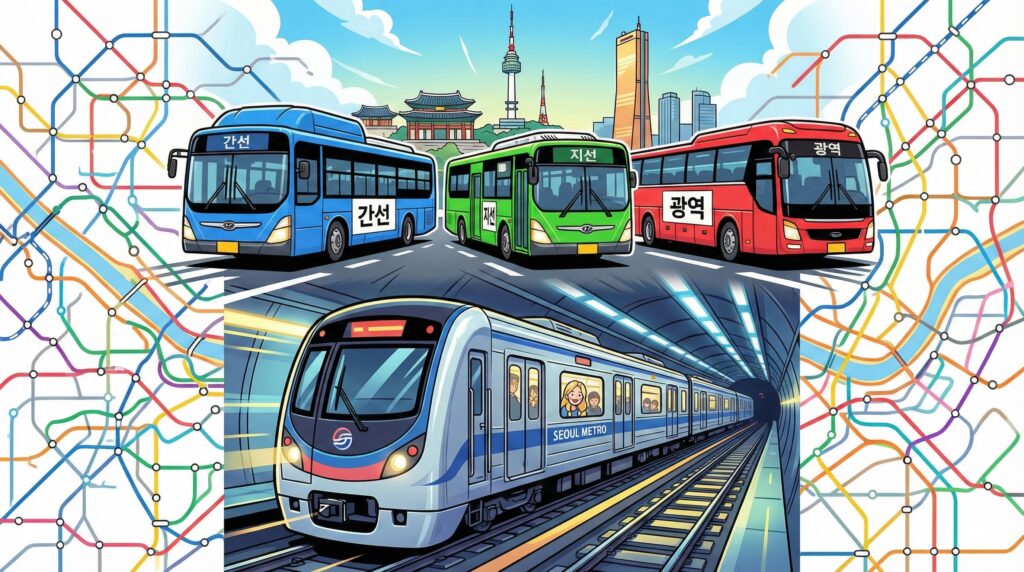
Ssam taught me that buses are color-coded.
- Blue Bus: Main lines. Goes far across the city.
- Green Bus: Feeder lines. Short distances, connects to subway stations.
- Red Bus: Express. Goes to the suburbs. Warning: Red bus drivers drive like they are in Fast & Furious. Hold on tight.
Alice’s Bottom Line: Download or Get Lost
Seoul is one of the most connected cities in the world, but only if you have the right tools. Stop struggling with Google. Download Naver Map. Check the Subway Korea app. And please, hold on to the handle when you ride the Red Bus.
Survival Hangul: Transport Talk
- “이거 강남역 가요? (Igeo Gangnam-yeok gayo?)”
- Meaning: “Does this go to Gangnam Station?” (Ask the bus driver before you tap).
- “이번 역이 어디예요? (Ibeon yeogi eodi-yeyo?)”
- Meaning: “What station is this?” (If you missed the announcement).
- “내려요! (Naeryeoyo!)”
- Meaning: “I’m getting off!” (Shout this if the bus driver tries to skip your stop).
Read This Next (Before You Make Another Mistake)
Now that you have the right maps, make sure you have the right card.
- Got the app? Now get the card. 👉 [The Magic Plastic: T-Money Card Guide] (Link to T-money Post)
- Navigating to a restaurant? Don’t burn the meat when you get there. 👉 [The Art of K-BBQ: How to Eat “Ssam” Correctly] (Link to BBQ Post)
- Taking the subway to the mountain? Don’t wear jeans. 👉 [The Bukhansan Trap: Hiking Survival Guide] (Link to Hiking Post)